Site screening
Compare up to 10 candidate sites using weighted criteria and critical exclusions.
 ExpertPro
Five separate Excel workbooks structure the development workflow: screen locations, assess power, prepare capital costs, model the finance and compare saved cases.
US$189 base price · 5 models +6 PDF manuals · Applicable taxes at checkout
Compare up to 10 candidate sites using weighted criteria and critical exclusions.
Develop 120 months of capacity, demand and supply assumptions.
Structure 32 capital cost lines and their expenditure phasing.
Review operating cash flows, debt and exit assumptions across 180 months.
Compare up to 12 saved runs using the prescribed results format.
Transfer the specified blocks as values, check the receiving workbook and save distinct cases. The suite does not synchronize all five files automatically.
The suite ZIP contains the files listed here. The longer Practitioner Guide, Practitioner Handbook and training presentations are separate products.
Read the T4 quick startT1_Site_Screening_Scorecard.xlsx
T2_Power_Energy_Assessment.xlsx
T3_CapEx_Budget.xlsx
T4_Financial_Model.xlsx
T5_Comparison_Dashboard.xlsx
ExpertPro DC Suite Master Guide
T1, T2, T3, T4 and T5 User Manuals
The guided tour shows the actual T4 v3.0 suite workbook, including inputs, funding structure, outputs and checks.
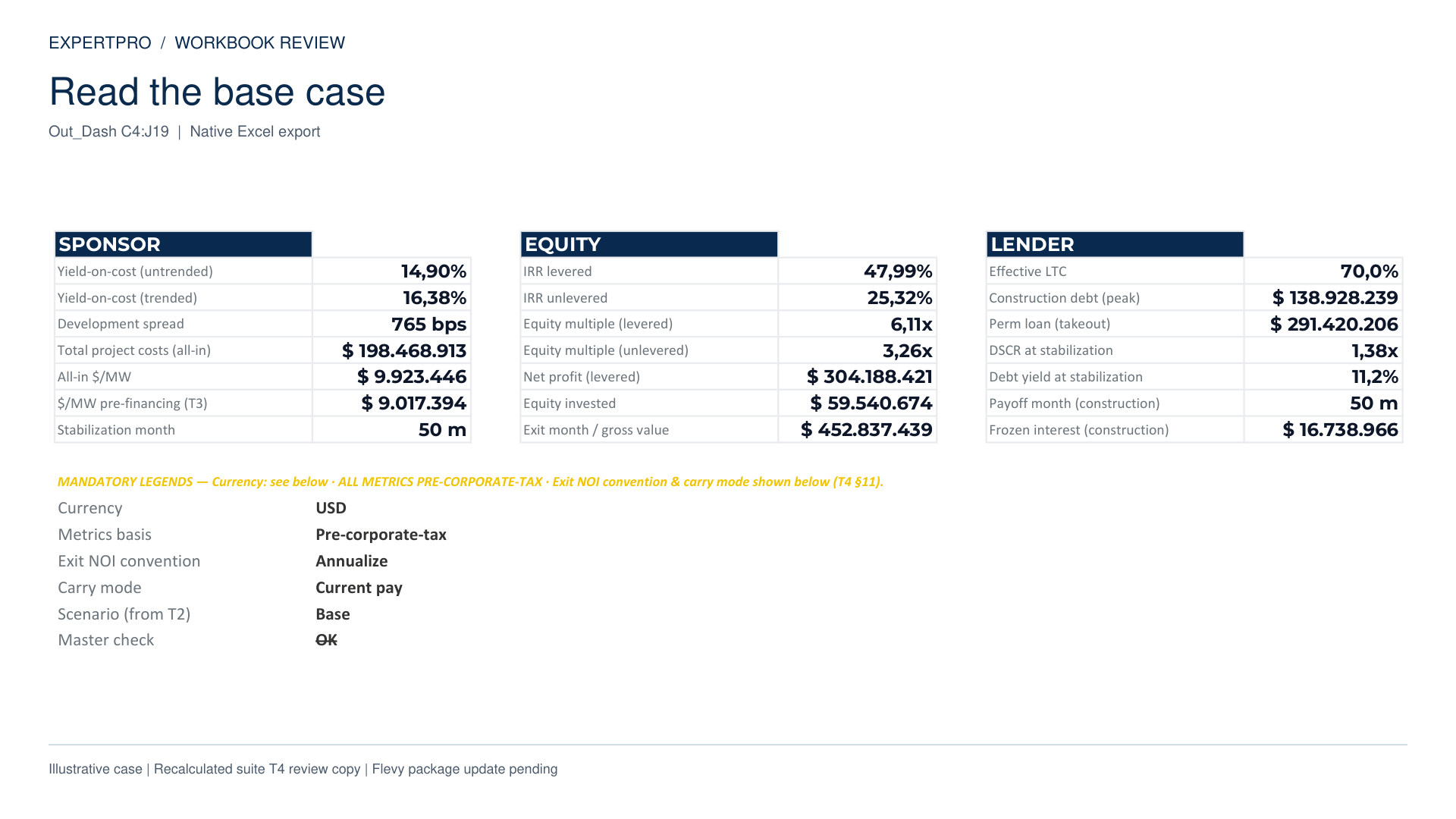 View the guided tour
 Excel 2019 or Microsoft 365. Browser Excel and Google Sheets compatibility are not promised.
Complete the documented interest update procedure. Suite handoffs use paste-values transfers.
Review the model’s stated scope and the separate treatment of the optional simplified VAT module.
Use the financial model with your prepared inputs, or add the workbooks that develop and compare them.
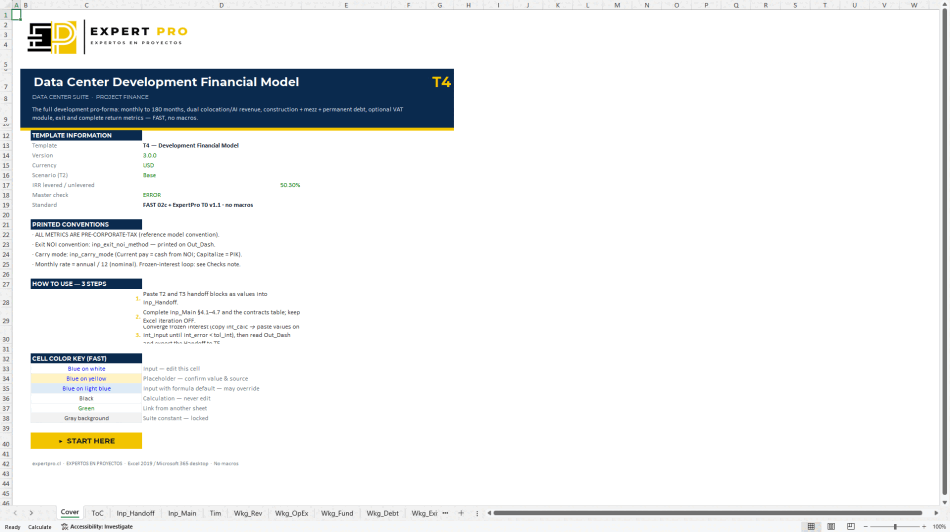
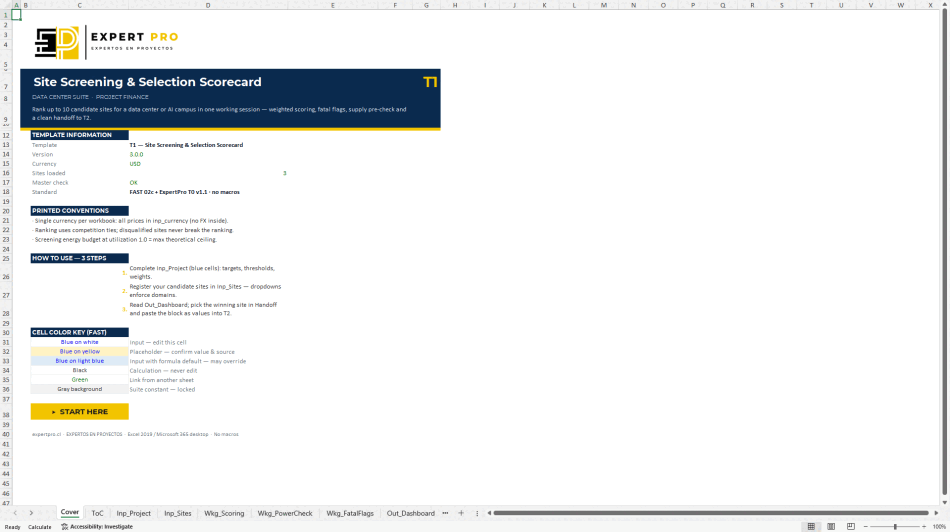
Scroll sideways to compare both packages.
| Included | Model · US$99 | Suite · US$189 |
|---|---|---|
| Financial underwriting workbook | Included | Included |
| Standalone input adapter | Listed in standalone offer | Uses suite handoff blocks |
| Site screening workbook | Not included | Included · T1 |
| Power & energy workbook | Not included | Included · T2 |
| Detailed capital budget | Not included | Included · T3 |
| Saved-case comparison | Not included | Included · T5 |
| Documentation | T4 guide + standalone instructions | Master Guide +5 user manuals |
| Long Handbook / Practitioner Guide | Not included | Not included |
| Desktop Excel & manual steps | Required | Required |
Read the file inventory and license before purchasing.