Operating assumptions
Set the revenue, operating costs, timing and externally prepared power and cost inputs relevant to your case.
 ExpertPro
Bring your operating, capital cost and financing assumptions into a structured Excel workbook. Review project cash flows, debt and returns from sponsor, equity and lender perspectives.
US$99 base price · One-time purchase · Desktop Excel required
Applicable taxes are shown at checkout.
For development leads and financial modelers preparing a data center investment assessment.
Choose this model when you already have your capacity, energy-cost, CapEx and timing assumptions and need to assess the financial case.
See assumptions, cash flow and checksSet the revenue, operating costs, timing and externally prepared power and cost inputs relevant to your case.
Review construction funding, permanent debt and the effect of your financing terms on cash flow.
Read returns and loan-sizing outputs with the model checks and the documented calculation steps.
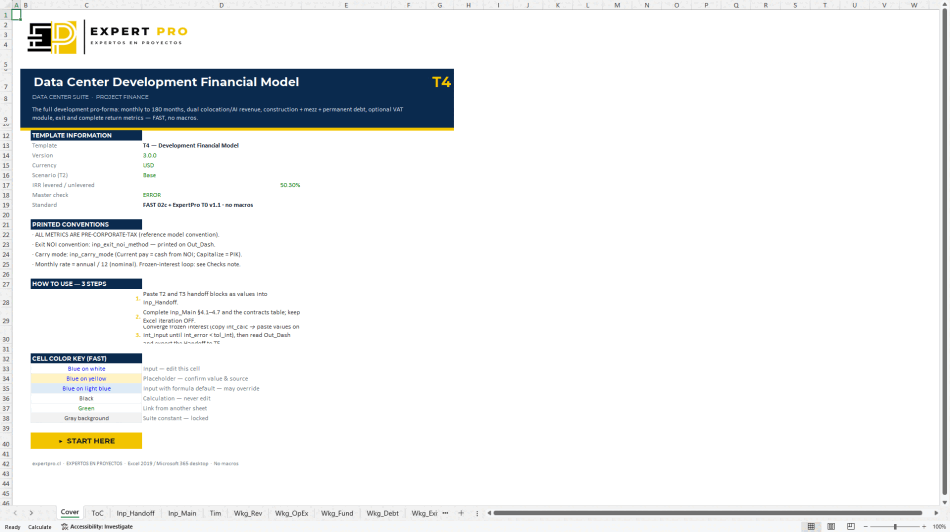
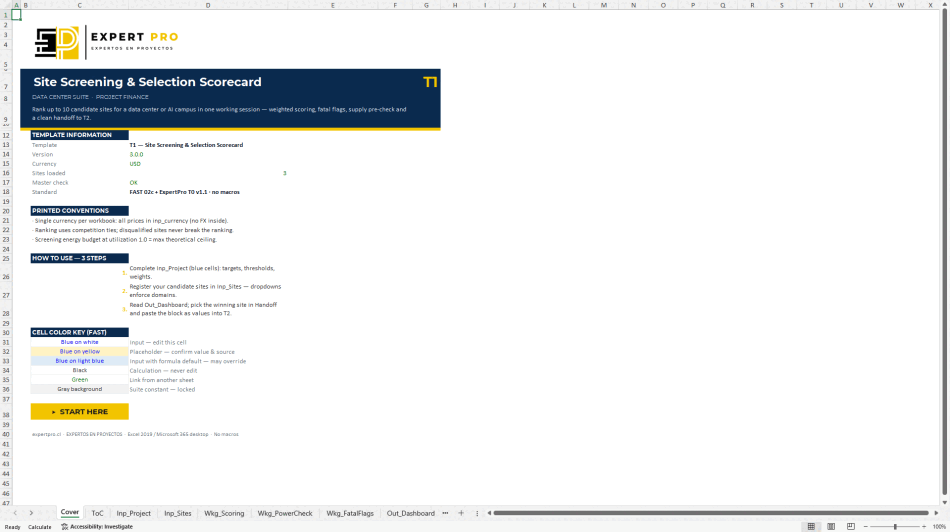
These captures show the actual suite T4 v3.0 workbook and an illustrative case. The standalone offer adds its own input adapter and instructions.
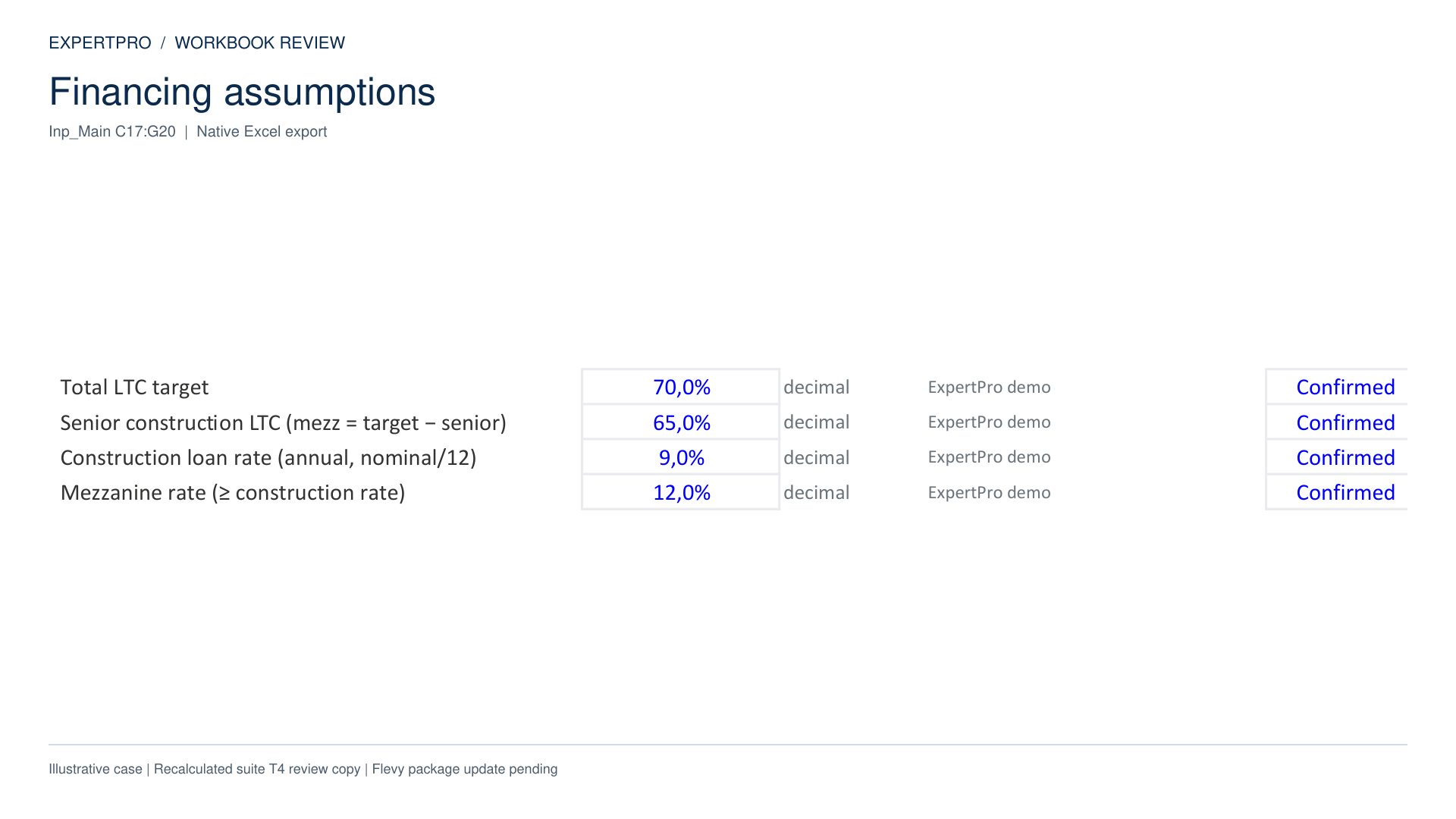
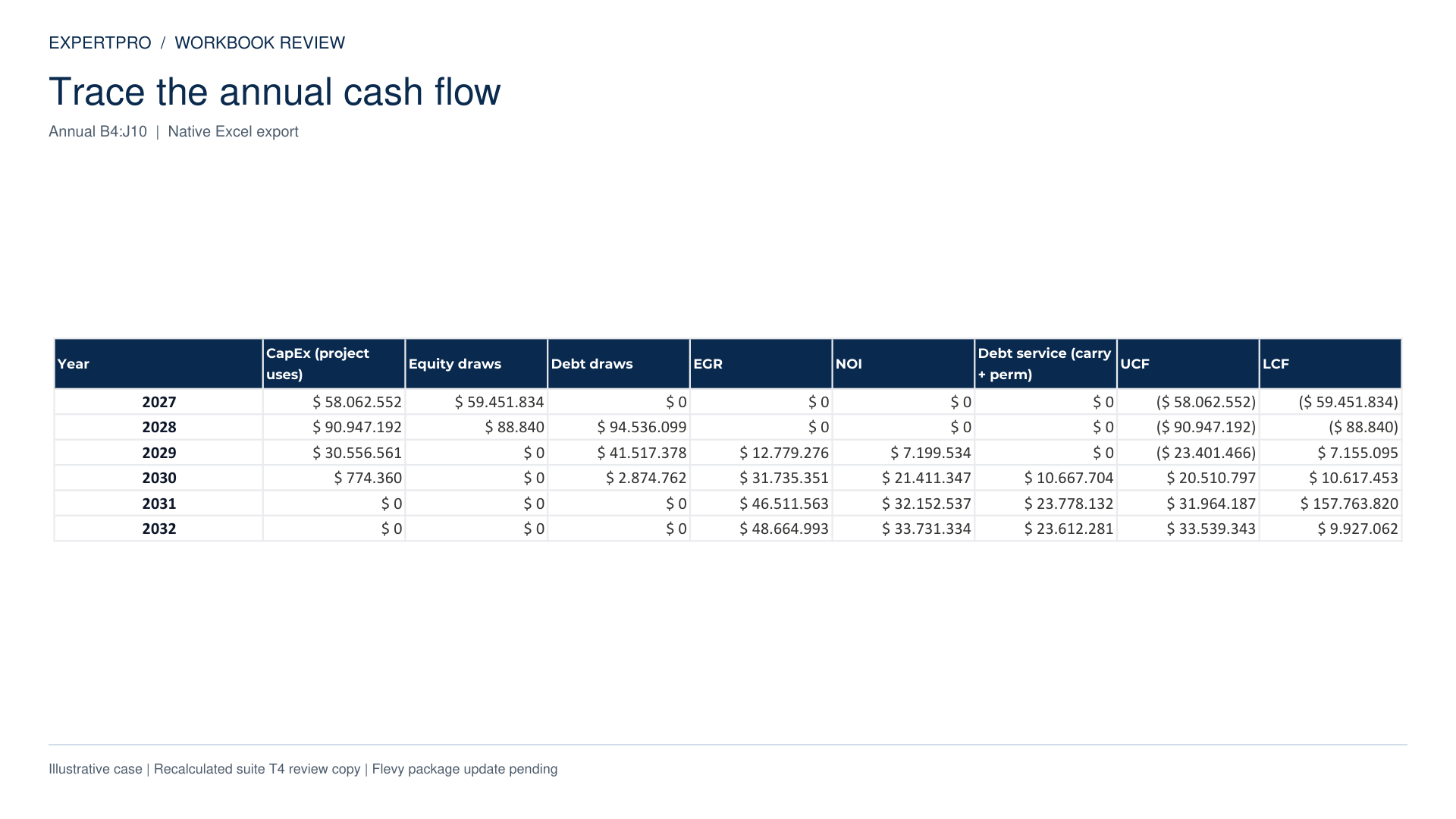
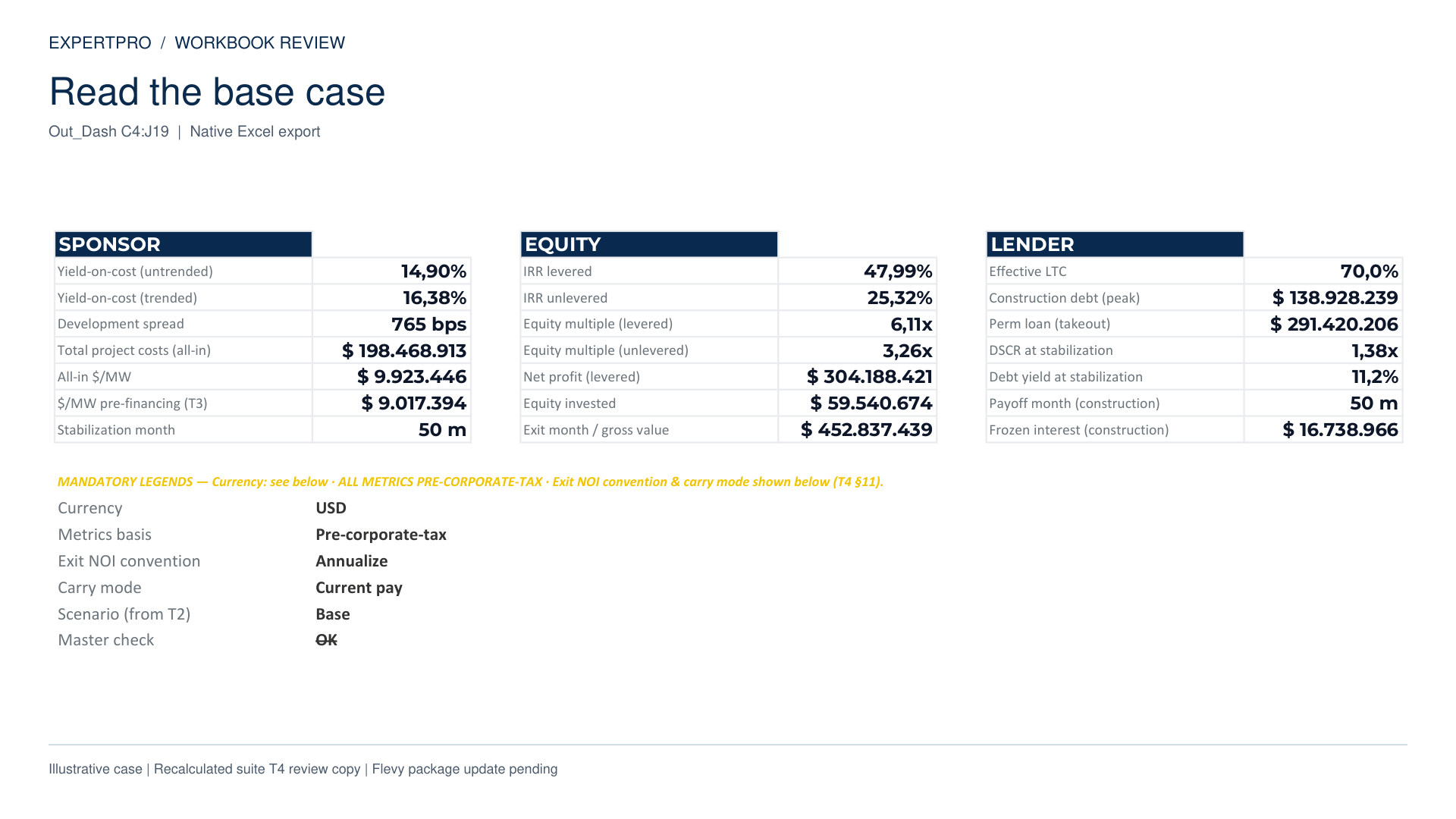
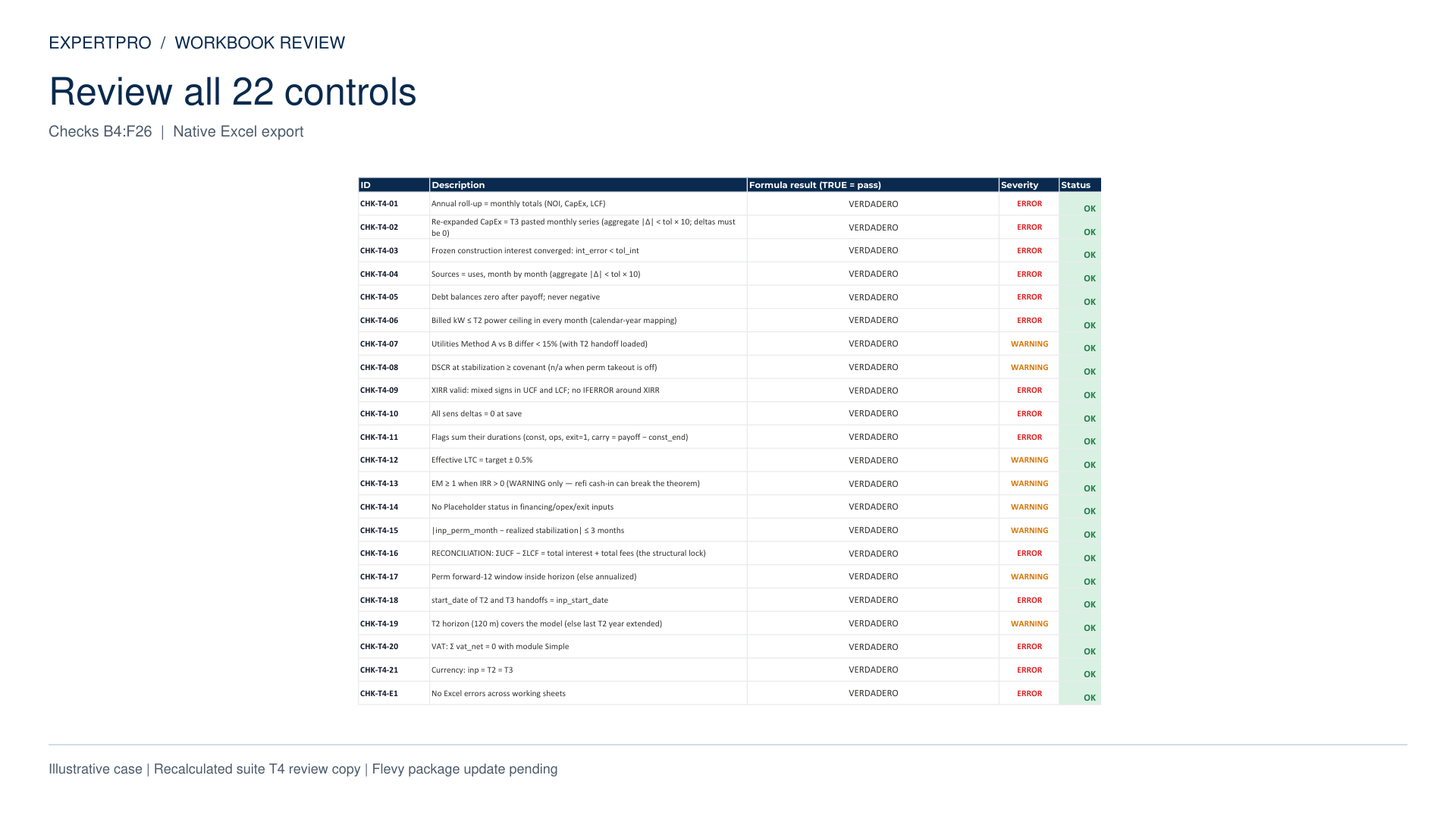
The standalone product listing describes the T4 workbook with supporting files for externally prepared assumptions.
Read the current package listingThe primary underwriting workbook.
For prepared capacity, energy-cost, capital cost and timing inputs.
Package-specific instructions and supporting license, scope and disclaimer documents.
Excel 2019 or Microsoft 365. Browser Excel and Google Sheets compatibility are not promised.
Complete the documented interest update procedure. Suite handoffs use paste-values transfers.
Review the model’s stated scope and the separate treatment of the optional simplified VAT module.
Sensitivity tables retain the documented frozen-interest convention. Review their limits in the manual and repeat the interest update when preparing a separate case.
Use the financial model with your prepared inputs, or add the workbooks that develop and compare them.
Scroll sideways to compare both packages.
| Included | Model · US$99 | Suite · US$189 |
|---|---|---|
| Financial underwriting workbook | Included | Included |
| Standalone input adapter | Listed in standalone offer | Uses suite handoff blocks |
| Site screening workbook | Not included | Included · T1 |
| Power & energy workbook | Not included | Included · T2 |
| Detailed capital budget | Not included | Included · T3 |
| Saved-case comparison | Not included | Included · T5 |
| Documentation | T4 guide + standalone instructions | Master Guide +5 user manuals |
| Long Handbook / Practitioner Guide | Not included | Not included |
| Desktop Excel & manual steps | Required | Required |